


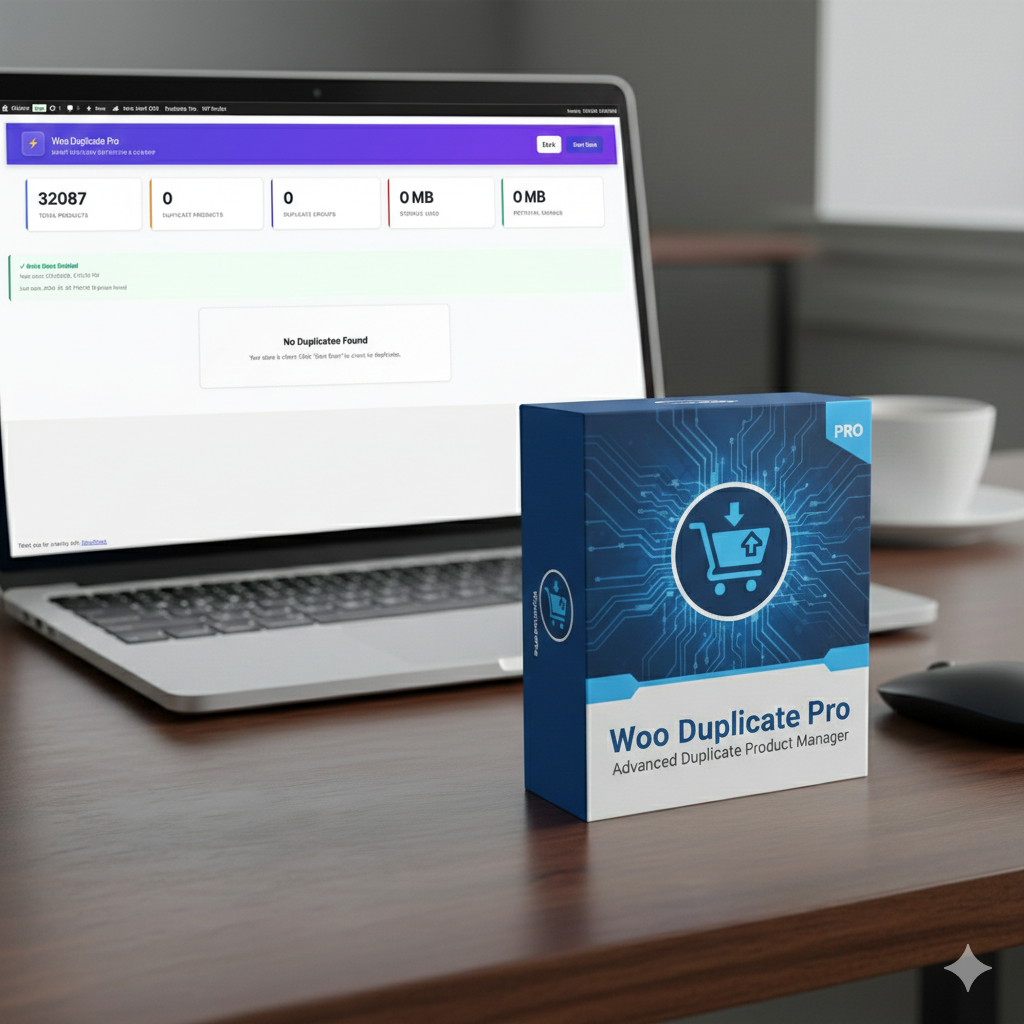



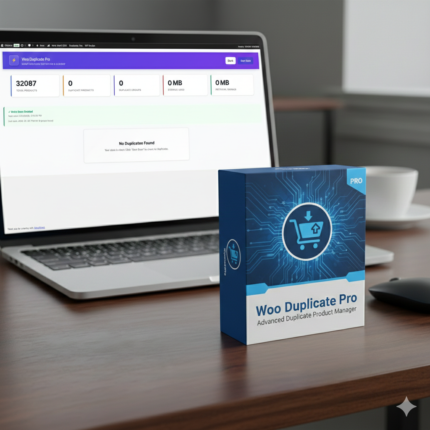
Woo Duplicate Pro – Advanced Duplicate Product Manager
Original price was: ₹8,399.00.₹3,499.00Current price is: ₹3,499.00.
Keep your WooCommerce store clean and organized by effortlessly detecting and removing duplicate products with Woo Duplicate Pro.
6 Months Support
Quick help for setup & technical issues.
Lifetime License
Flexible licensing for multiple domains.
Lifetime Updates
Get all future updates at no extra cost.
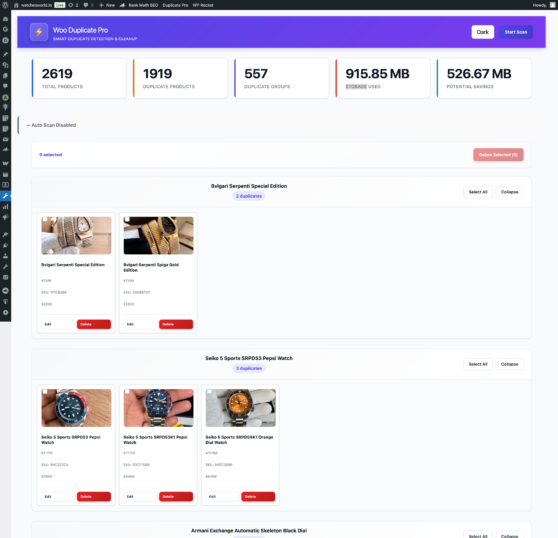
Woo Duplicate Pro is a powerful WordPress plugin designed to help WooCommerce store owners automatically detect, review, and remove duplicate products. Keep your store organized, reduce clutter, and maintain accurate product listings effortlessly.
Features:
-
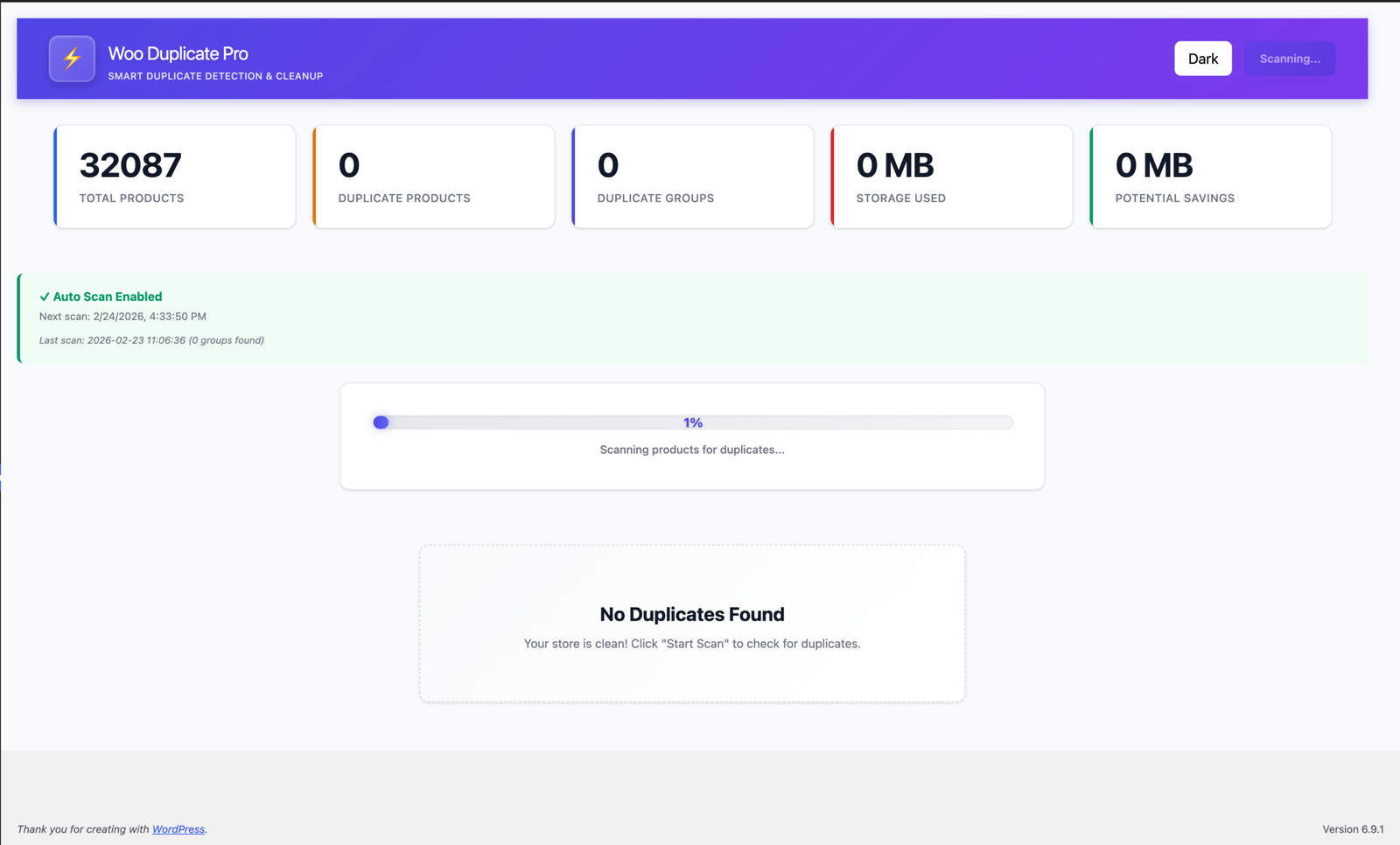
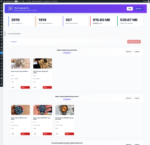
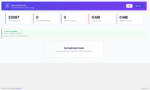
Automatic Duplicate Detection – Scan your store to find duplicate products based on title, SKU, or other product fields.
-
Backup & Restore – Protect your data with automatic backups before performing cleanup actions.
-
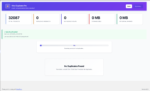
Bulk Processing – Review and remove duplicates in batches, avoiding timeouts or server issues.
-
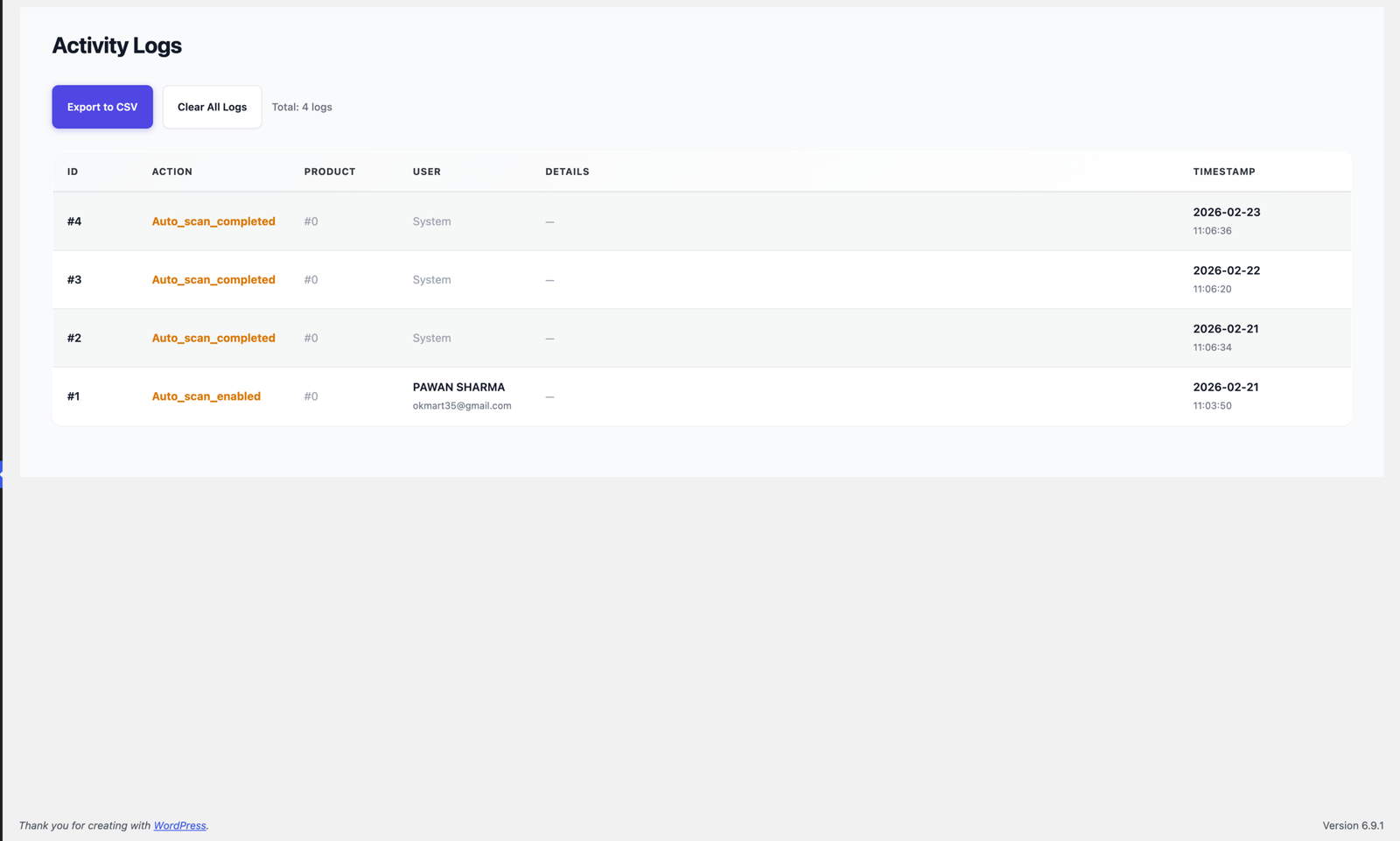
Activity Logs & Notifications – Keep track of all scans, deletions, and notifications via email.
-
REST API Integration – Connect Woo Duplicate Pro with external tools and automation systems (optional).
Benefits:
-
Maintain a clean, professional WooCommerce store.
-
Save time by automating duplicate detection and removal.
-
Ensure product data integrity with built-in backup management.
-
Get notified about cleanup actions and activity for better tracking.
Easy to Use:
-
Install & Activate – Upload the plugin to your WordPress site, activate it, and configure settings.
-
Scan & Review – Run automatic or manual scans, review duplicate candidates, and choose to merge, delete, or keep items.
-
Secure Cleanup – Always back up your products before performing bulk actions.
Requirements:
-
WordPress 5.8 or higher
-
WooCommerce installed
-
PHP 7.4+ recommended
Keep your WooCommerce store streamlined and hassle-free with Woo Duplicate Pro – the ultimate solution to manage duplicate products efficiently.
Woo Duplicate Pro — Documentation
Version: 1.0 | Last updated: 2026-02-23
Overview
Woo Duplicate Pro is a WordPress plugin designed to detect, manage, and clean duplicate WooCommerce products. This document provides a detailed explanation of the plugin's purpose, installation steps, administration, usage, developer pointers, troubleshooting tips, and references to important files and locations inside the plugin directory.
This documentation intentionally does not change or add any plugin code; it only describes the plugin and how to use/extend it.
Key Features
- Automatic scanning for duplicate products
- Backup and restore of product data before cleaning actions
- Bulk processing (review and remove duplicates in batches)
- Activity logging and notifications
- REST API endpoints for integration (if enabled)
Requirements
- WordPress 5.8+ (compatible with later versions of WordPress and WooCommerce)
- WooCommerce (for product data structures)
- PHP 7.4+ recommended
Installation
- Copy the plugin folder into your WordPress plugins directory. The plugin root contains the main file
duplicate-product-cleaner.php. - From the WordPress admin, go to Plugins → Installed Plugins and activate "Woo Duplicate Pro".
- After activation, open the plugin settings page to configure scanning and backup options.
Activation & First Run
- On activation the plugin will register its custom options and may schedule background tasks if configured.
- Visit the plugin settings page (see
settings.phpin thetemplates/folder) to configure scan frequency, backup options, and notification preferences.
Admin UI and Usage
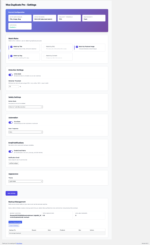
- Settings: Use the settings screen to configure detection sensitivity, what fields to compare (title, SKU, meta, etc.), and backup behavior.
- Scan / AutoScan: You may run manual scans from the admin panel. The
AutoScancore class manages scheduled scans. - Review: After scanning, duplicate candidates are listed for review. From the review screen you can choose which items to keep, merge, or delete.
- Bulk Processing: Use the bulk processor to delete large numbers of duplicates in batches to avoid timeouts.
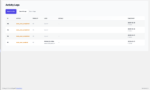
- Logs: Activity and scan logs are available via the plugin Logs template (
templates/logs.php). Use logs to audit actions and troubleshoot.
Backups
The plugin supports backing up product data before destructive operations. Backups are managed by the BackupManager and AdvancedBackup classes in includes/Core/. Always verify backups exist before running bulk delete operations.
Notifications
The plugin can send email notifications about scan results and cleanup actions. Notification handling is implemented in EmailNotifications.php.
REST API
If the plugin exposes REST endpoints, they are implemented in includes/API/RestController.php. Use the WordPress REST API infrastructure with appropriate authentication to interact programmatically.
File Structure (important files)
duplicate-product-cleaner.php— Main plugin bootstrap file.uninstall.php— Cleanup logic on plugin uninstall.admin/— Admin-specific UI, pages, and assets.includes/— Main plugin logic split into subfolders:- Core/ — Core classes such as
DuplicateDetector.php,BackupManager.php,BulkProcessor.php,AutoScan.php, andActivityLogger.php. - API/ —
RestController.phpfor REST endpoints. - Admin/ —
Admin.phpentry for admin registration.
- Core/ — Core classes such as
templates/— Admin templates includinglogs.phpandsettings.php.
Developer Guide
- Coding style: Follow WordPress PHP coding standards and naming conventions used in the existing code.
- Hooks and filters: The plugin may register actions and filters inside the Admin and Core classes. To extend functionality, search for
do_actionandapply_filtersoccurrences in theincludes/folder. - Autoloading / includes: The plugin uses manual includes inside the main bootstrap and admin loader. Keep new classes in appropriate subfolders and update the loader if needed.
Suggested developer steps for adding features:
- Add new class in
includes/Core/orincludes/API/as appropriate. - Register new admin pages or REST routes inside
Admin.phporRestController.php. - Add capability checks for admin actions to avoid exposing destructive operations.
- Add unit or integration tests where possible.
Troubleshooting
- If scans fail or time out: Increase PHP max execution time or enable batch processing via
BulkProcessor. - If product data seems incorrect after cleanup: Restore from the latest backup and re-run scans on a subset for diagnosis.
- If emails are not sent: Verify WordPress mail configuration and SMTP settings.
- If REST endpoints return permission errors: Check authentication and capability checks.
Security & Best Practices
- Always backup your database and media prior to running bulk delete operations.
- Restrict access to plugin management screens to appropriate administrator roles.
- Review any extensions or automation that call the plugin's REST API and enforce authentication.
Changelog
1.0 — Initial documentation (no code changes made)
License
Check license header in the plugin main file (duplicate-product-cleaner.php) for licensing details.
Contact & Support
For support, consult the plugin's admin Logs and server error logs. For developer support, open an issue or contact the plugin maintainer listed in the plugin header.
Notes for maintainers: This document is intentionally comprehensive and avoids changing plugin behavior. When updating the plugin, please update this DOCUMENTATION.md to reflect new features, options, or file changes.
Reviews
Only logged in customers who have purchased this product may leave a review.
Related products
Advanced COD Control for WooCommerce
Original price was: ₹4,999.00.₹2,599.00Current price is: ₹2,599.00.
Buy Now WhatsApp PRO for WooCommerce
Original price was: ₹3,496.00.₹1,703.00Current price is: ₹1,703.00.

Reviews
Clear filtersThere are no reviews yet.