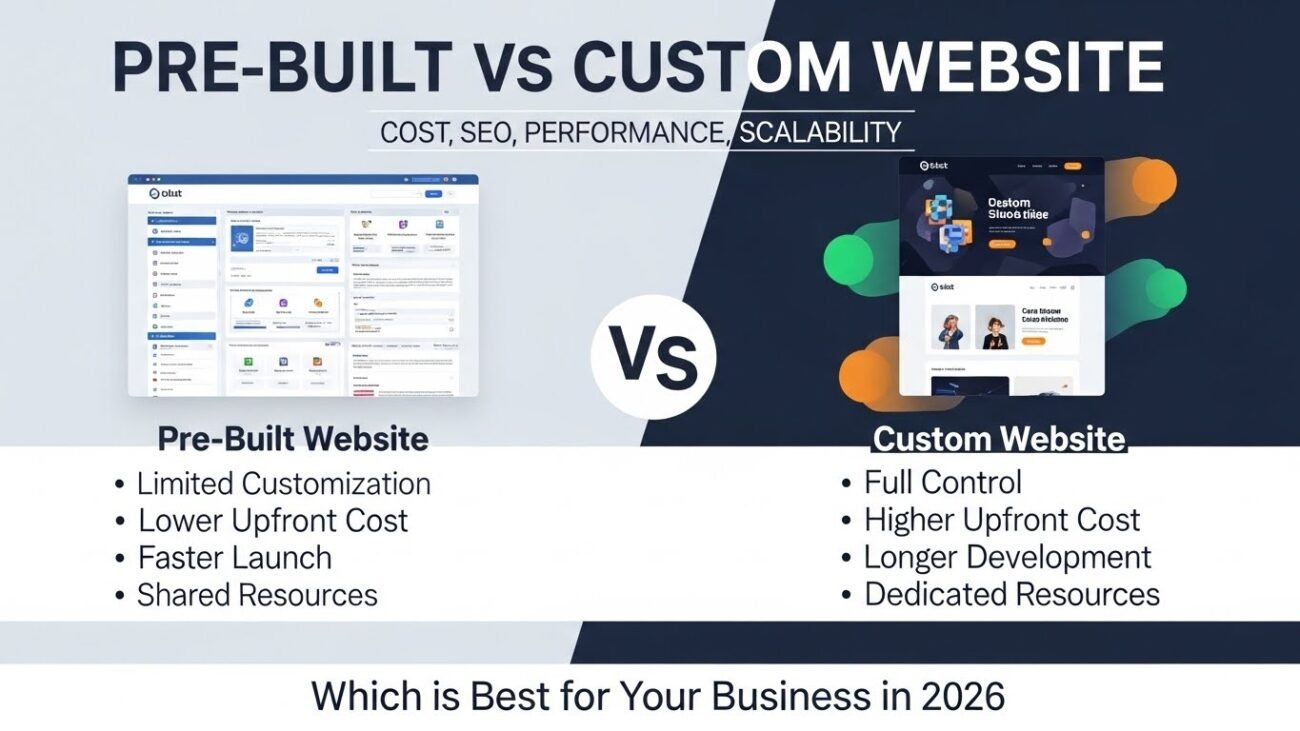
7 Smart Ways to Build a High-Quality Website on a Low Budget

7 Smart Ways to Build a High-Quality Website on a Low Budget
1. Introduction – Why a High-Quality Website on a Low Budget Matters
High Quality Website on a Low Budget sounds impossible, but today it’s 100% achievable.
Many small businesses, startups, freelancers and local shops want a professional website but don’t have a big budget. Building a High Quality Website on a Low Budget gives small businesses a strong online presence without spending too much.
Problem is:
❌ Wrong platform
❌ Cheap hosting
❌ No planning
❌ Poor design
❌ No SEO
❌ No optimization
These things make the website slow, unprofessional and useless.
But with the right steps, you can make a premium-quality website without overspending. SiteExpert helps you achieve a High Quality Website on a Low Budget with modern design and fast performance.
Let’s learn how.
2. Step 1: Plan Your High-Quality Website on a Low Budget from Day One
Good planning saves both time and money. Every business can create a High Quality Website on a Low Budget with smart tools and the right planning.
What to plan:
-
Homepage layout
-
About page
-
Services or Product structure
-
Contact form
-
Blog
-
Footer
-
Basic sitemap
When you plan your content and flow first, you avoid redesigning or paying extra later.
External Resource:
Google UI/UX Basics – https://developers.google.com/web/fundamentals/design-and-ux/
SiteExpert Tip:
We start every project with a free sitemap + wireframe, so you only pay for what you really need — no extra cost.
3. Step 2: Choose the Right Platform
The best part is that a High Quality Website on a Low Budget performs just like an expensive site when done correctly.
Wrong platform = high cost later.
Best low-budget platforms:
-
WordPress → Best for services, blogs, business sites
-
Shopify Lite → For small eCommerce
-
WooCommerce → Best for budget-friendly eCommerce
-
Custom Code Lite → For small business portals
Choosing the right platform saves up to 40% cost in future changes.
SiteExpert Help:
We guide you on the best platform based on your business so you don’t waste money on the wrong choice.
4. Step 3: Select Budget-Friendly Yet Fast Hosting
Hosting decides your website speed, stability and ranking.
Best budget hosting:
-
Hostinger Premium
-
HostGator Cloud
-
Cloudways (if budget allows)
Extra Resource: https://pagespeed.web.dev/
Use this to check your speed anytime.
SiteExpert Hosting Setup Includes:
✔ Free SSL
✔ CDN setup
✔ Speed setup
✔ Security setup
✔ Free migration
All included in your affordable package.
5. Step 4: Use Simple, Clean & Conversion-Focused Design
A high-quality website does NOT need to be expensive.
Clean design works better and costs less.
What to avoid:
❌ Heavy animations
❌ Fancy sliders
❌ Too many graphics
❌ Over-designed layouts
What to use:
✔ Minimal theme
✔ Clean fonts
✔ Professional color combinations
✔ CTA buttons
✔ Simple navigation
This gives you a premium look on a low budget.
SiteExpert Designs Are:
✔ Modern
✔ Mobile-friendly
✔ Fast
✔ Conversion-focused
✔ Affordable
6. Step 5: Optimize Speed Without Spending Much
Speed is super important.
Free Speed Tips:
-
Use WebP images
-
Install cache plugin (LiteSpeed / WP Super Cache)
-
Minify CSS/JS
-
Use lazy loading
-
Limit plugins
-
Optimize homepage
Free Tools:
-
GTMetrix: https://gtmetrix.com
-
Google PageSpeed: https://pagespeed.web.dev/
SiteExpert Speed Setup Includes:
✔ Image compression
✔ CDN setup
✔ Cache system
✔ Rendering optimization
✔ 1–2 second loading time
And all without increasing cost.
7. Step 6: Do Basic SEO Yourself
SEO doesn’t have to be expensive.
FREE SEO tasks:
-
Add meta title & description
-
Proper H1, H2, H3
-
Image alt text
-
Internal linking
-
Keyword research (Google Autocomplete)
-
Add schema
-
Add sitemap
These alone can increase ranking by 40–60%.
SiteExpert Bonus:
We set up complete basic SEO for free in every website package.
8. Step 7: Maintain Your Website Smartly
Instead of costly maintenance, do basic things:
-
Update plugins once a week
-
Take monthly backup
-
Delete unused plugins
-
Check speed monthly
-
Write blogs for SEO
SiteExpert Monthly Care Plan is very affordable and covers everything:
✔ Updates
✔ Backup
✔ Security
✔ Fixes
✔ Uptime monitoring
9. How SiteExpert Helps You Build a High-Quality Website on a Low Budget
SiteExpert specializes in professional-quality websites at affordable prices.
What makes SiteExpert perfect for low-budget clients?
✔ Free Planning
Sitemap + wireframe to avoid unnecessary expenses.
✔ Affordable Packages
Pay only for features you need.
✔ Fast Hosting Setup
We help you choose the best hosting without overspending.
✔ Premium Design (Low Cost)
Minimal + modern + professional layout.
✔ Complete SEO Setup
Meta, sitemap, schema, keywords — all included.
✔ Speed Optimization Included
Your site loads in 1–2 seconds.
✔ Mobile-First Website
80% Indian users on mobile → your site looks perfect everywhere.
✔ Security Setup
Free SSL + firewall + backup system.
✔ Lifetime Support
Affordable maintenance options.
10. Conclusion
A High-Quality Website on a Low Budget is not only possible — it’s actually easy when you follow the right steps.
Smart planning, the right tools, simple design and powerful optimization can make your website professional without spending too much.
And if you want a website that is:
✔ Fast
✔ Modern
✔ SEO-ready
✔ Mobile-friendly
✔ Secure
✔ Affordable
Then SiteExpert is the best partner for you — from planning to launch to long-term growth.